
Have a Software Idea? Here's How to Turn It Into a Well-Defined Scope
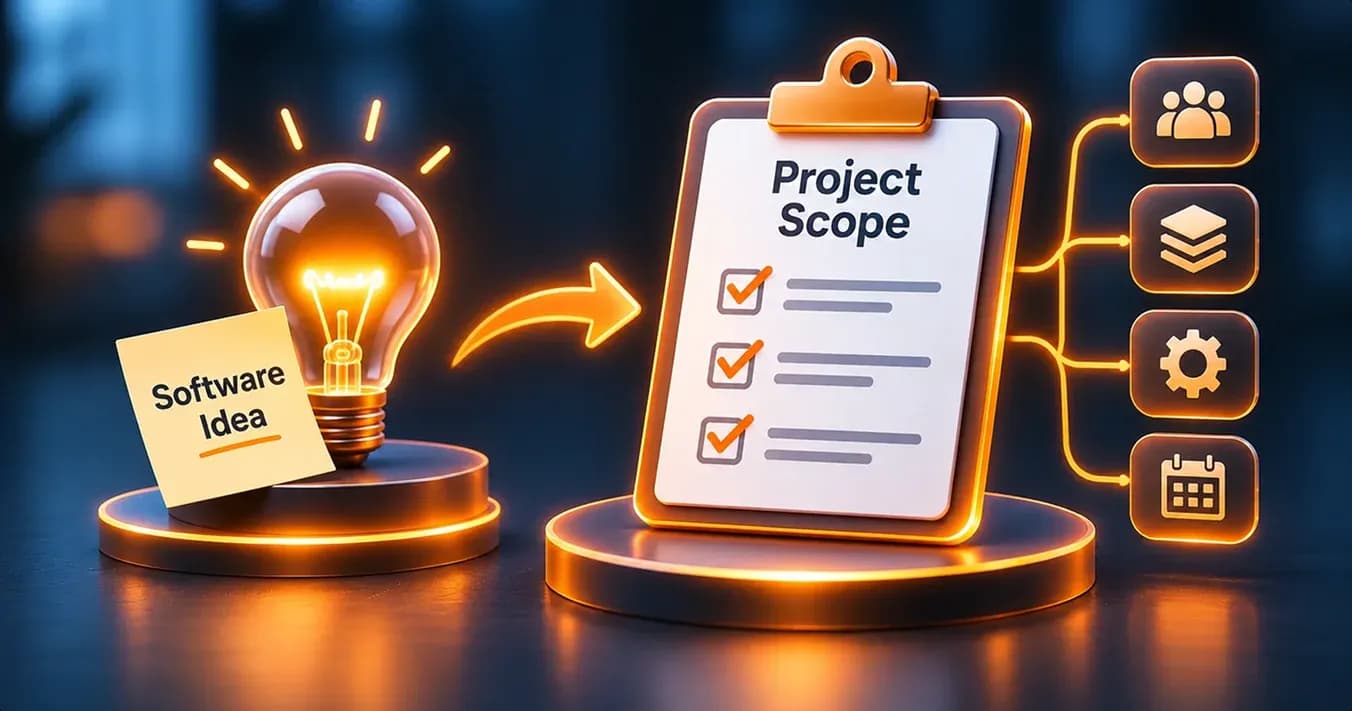
You probably have a clear idea of what you want your software to do. Maybe you've listed features, found reference apps, or imagined how the interface should look.
Still, when you talk to a developer, they'll ask about user roles, workflows, functionality, integrations, and what should be built first.
The issue isn't a lack of detail in your idea. Business ideas focus on outcomes, but developers need clear functionality to estimate and build.
For example, if you say, "I want a platform where customers can find and book home-repair professionals," you're sharing the concept.
But this doesn't tell the development team how customers find professionals, what information they need, how bookings are confirmed, what providers can manage, or what happens if a booking changes.
This gap makes project estimates unreliable, timelines difficult to predict, and development decisions more dependent on assumptions.
It's better to turn your idea into a technical scope before discussing costs or timelines.
This guide explains how, using a practical home-repair booking platform example that progresses from a business idea to a structured scope developers can use.
A business idea explains what you want to achieve. A technical scope explains what needs to be built, how it should work, and what the first release must deliver.
Why Developers Cannot Quote From a Business Idea Alone

A business idea describes what you want to achieve. A technical scope describes what needs to be built to achieve it.
Consider the difference:
Business idea:
Build a platform that connects homeowners with local repair professionals. Customers should be able to find someone, book a service, and manage their appointments.
Development scope:
Customers can browse service categories, view available professionals, submit booking requests with service details and preferred dates, and receive booking confirmations. Professionals can review requests and accept or decline them. An administrator can manage users, service categories, and booking records.
The second description gives developers something specific to work with.
Without clear details, developers have to guess about functionality, data, user interactions, and edge cases. These guesses often turn into additional questions, change requests, or extra work later.
A clear scope doesn't need every technical detail. It should explain:
- What the software must do.
- Who will use it.
- How the main workflows work.
- Which features are included in the first release.
- What integrations and dependencies are required.
What does a developer need to prepare a more reliable software development estimate?
Step 1: Break the Business Idea Into Its Core Users
Before listing features, identify who will use the software and what each person needs to accomplish. For our home-repair platform, there are three primary user groups.
| User | Primary Goal |
|---|---|
| Customer | Find a suitable professional and request a repair booking |
| Service Provider | Receive, manage, and respond to booking requests |
| Administrator | Manage platform activity, users, and service categories |
This is important because a feature that seems simple to a business owner might involve several user interactions.
Take "booking management" as an example.
Customers need to submit and track bookings. Providers need to receive and respond to them. Administrators may need to review or manage booking records.
Identifying user roles early helps you avoid designing features from only one point of view.
What Should You Document?
For every user group, identify:
- Who the user is.
- What they need to accomplish.
- What information they need.
- Which actions they can perform.
- What access or permissions they require.
Practical tip: Don't assume every user needs access to the same features. Separating customer, provider, and administrator responsibilities early makes the application easier to plan.
Step 2: Define What Each User Needs to Do
Next, turn each user's goal into a step-by-step set of actions.
These sequences are called user workflows. They show how people interact with the software to complete a task.
Customer Workflow
- Register or sign in.
- Select a repair category.
- Browse relevant service providers.
- View provider details.
- Submit a booking request with the issue description and preferred date.
- Receive confirmation that the request has been submitted.
- View the booking status.
Service Provider Workflow
- Register and create a provider profile.
- Add service categories and service areas.
- Receive booking requests.
- Review customer details and the reported issue.
- Accept or decline a request.
- Update the booking status.
Administrator Workflow
- Sign in to the administrative dashboard.
- View registered customers and service providers.
- Manage service categories.
- View and manage booking records.
- Suspend or update accounts when necessary.
These workflows form the foundation of your MVP. They show what features are needed, how screens connect, and what information moves between users.
For example, a booking request goes from a customer to a provider, then to an admin view.
They also reveal features you might miss in a simple idea, such as booking status management, provider availability, and administrative access.
Workflow Mapping: What Should You Capture?
| Workflow Elemen | What to Define | Booking Platform Example |
|---|---|---|
| Starting point | Where the workflow begins | Customer signs in |
| User action | What the user does | Selects a repair category |
| System response | How the software responds | Displays relevant providers |
| Information required | What data is collected | Issue description and preferred date |
| Next action | What happens afterwards | Customer submits a booking |
| Final outcome | What completes the workflow | Booking request is recorded |
The objective is to understand the complete user journey before deciding which screens and features developers need to create.
Turn Your Business Idea Into a Working Product
Let's turn your business objective into a buildable scope, make key development decisions early, and create a clear path from idea to launch.
Step 3: Convert Workflows Into Functional Requirements
Workflows explain what users do. Functional requirements define what the system must do in response. This is where your idea turns into a development backlog. For example, the customer booking workflow can be translated into the following requirements:
| Feature | Functional Requirement |
|---|---|
| Customer registration | Users can create an account using required details and securely sign in. |
| Service categories | Customers can browse repair categories available on the platform. |
| Provider listings | The system displays relevant providers with their service information. |
| Provider profile | Customers can view provider details, service areas, and supported repair categories. |
| Booking request | Customers can submit an issue description and preferred appointment date. |
| Booking status | Customers can view whether their request is pending, accepted, declined, or completed. |
| Notifications | Customers receive updates when the booking status changes. |
The same process applies to provider and administrator workflows, such as a provider reviewing requests and an administrator managing accounts.
Requirements should describe features clearly so a developer knows what to build.
For example:
Too vague: Make booking easy.
Better requirement: Customers can submit a booking request by selecting a service category, choosing a provider, entering a problem description, and selecting a preferred date.
This difference helps developers understand the functionality and prepare more accurate estimates
Business Requirements vs Functional Requirements
| Business Requirement | Functional Requirement |
|---|---|
| Customers should be able to book home-repair services online. | Customers can select a provider and submit a booking request. |
| Providers should manage incoming requests. | Providers can view, accept, or decline booking requests. |
| Administrators should control platform activity. | Administrators can manage users, service categories, and booking records. |
The business requirement explains the intended outcome. The functional requirement describes the system behaviour needed to achieve it.
Quick Tip: Write Requirements From the User's Perspective
A useful starting format is:
As a [user], I want to [action], so that [outcome].
For example:
"As a customer, I want to view my booking status so that I know whether my selected professional has accepted the request."
This makes requirements easier to understand, discuss, and prioritise.
Step 4: Separate the MVP From the Complete Product
This is often the point where business ideas become more expensive than they need to be.
Once founders start listing functionality, they tend to include everything they imagine the finished platform will eventually need.
The booking platform could include online payments, live chat, GPS tracking, ratings, AI-based provider recommendations, loyalty programmes, promotional campaigns, automated scheduling, and more.
But your first version doesn't have to include every possible feature.
The real question is:
What do we need to build to see if customers will use the platform to find professionals and make bookings, and if providers will respond?
For our example, the first release could be divided like this:
| Build in the MVP | Defer to Later Releases |
|---|---|
| Customer registration and login | Social login |
| Service category browsing | AI-powered recommendations |
| Provider listings and profiles | Advanced ranking algorithms |
| Booking request submission | nstant booking and automated scheduling |
| Provider request management | Provider mobile application |
| Basic booking status tracking | Live location tracking |
| Admin dashboard | Advanced analytics and reporting |
| Essential booking notifications | Automated marketing campaigns |
| Basic provider management | Loyalty programmes |
These decisions should be based on the product's initial validation objective, not a universal rule for what an MVP should include.
For instance, online payments might be essential if the business needs to validate whether customers will pay through the platform.
If the initial objective is to validate demand for bookings, you may defer payment processing while handling bookings through another agreed process.
The scope should reflect what the business needs to learn from its first release.
Feature Prioritisation: What Belongs in the First Release?
Use these questions when evaluating proposed features:
| Question | If the Answer Is Yes | If the Answer Is No |
|---|---|---|
| Is the feature essential to the core user journey? | Consider including it | Consider postponing it |
| Does it help validate the business assumption? | Prioritise it | Review its necessity |
| Is it required for another essential feature to work? | Include the dependency | Evaluate separately |
| Can the workflow be tested without it? | It may be deferred | Include if essential |
| Does it introduce significant cost or complexity? | Review its value carefully | Review its value carefully Proceed based on scope |
A feature should not enter the MVP simply because a competitor offers it.
It should contribute to the experience or validation objective of your own product.
NOTE
An MVP is not the smallest possible feature list. It is the smallest complete experience that allows users to test the product's core value.
MVP Scope Readiness Checklist
0 of 8 complete- Core business problem identified.
- Primary user groups defined.
- Main user workflows mapped.
- Functional requirements documented.
- Essential MVP features prioritised.
- Future features separated from the first release.
- Dependencies and integrations identified.
- Acceptance criteria established.
The objective is to make sure developers understand what needs to be built, how it should work, and what can wait.
Need Help Turning Your Idea Into a Development Scope?
Let's identify your essential features, map your workflows, and prepare a clearer starting point for product development.
Step 5: Define the Rules Behind the Features
Features describe what the software can do. Business rules explain how those features work.
It's easy to miss these rules if you only give a developer a feature list. But they can have a big impact on development work.
For the booking platform, some decisions need to be made before estimation:
- Can a customer submit requests to multiple providers for the same repair?
- Can a provider accept a booking request after another provider has accepted it?
- Can customers cancel a request after it has been accepted?
- Can providers change their availability?
- Does an administrator need to approve provider profiles before they become visible?
- What happens if a provider declines a request?
- Can a customer edit a request after submission?
These questions may appear small, but each one can affect the system's logic and how different users interact with the same records.
Example: Booking Status Rules
| Situation | Possible System Behaviour |
|---|---|
| Customer submits a request | Status becomes Pending |
| Provider accepts the request | Status changes to Accepted |
| Provider declines the request | Status changes to Declined |
| Customer cancels an eligible request | Status changes to Cancelled |
| Service is completed | Status changes to Completed |
The actual rules should be agreed with the business before development.
You don't have to finalise every rule at the start. But decisions that affect main workflows, data, or complexity should be written down rather than left for the developer to guess.
For example, decide whether a customer can edit a request after submitting it or whether an administrator must approve provider profiles first.
This is especially important when several users work with the same records or when the system needs to handle different outcomes.
Step 6: Identify Integrations, Data and Dependencies
A simple feature list usually doesn't show the full scope of software development.
The booking platform may require several data sources, integrations, and operational capabilities.
Data Requirements
- Customer profiles and contact information.
- Provider profiles and service categories.
- Service areas.
- Booking details.
- Booking status and history.
Integration Requirements
- Email or SMS notifications.
- Maps or location services, if provider locations or service areas need to be displayed.
- Payment gateway, if payments are included in the first release.
Operational Requirements
- Admin access.
- User permissions.
- Data protection.
- Error handling.
- Backup and recovery.
- Deployment and hosting.
You don't need to detail all these requirements at the start. The goal is to spot work that affects the system's structure, cost, dependencies, or timeline.
A payment gateway, for example, involves more than adding a payment button. It can introduce transaction handling, payment status, failed payments, refunds, and reconciliation requirements.
Identify Dependencies Before Development
| Requirement | What Needs to Be Considered |
|---|---|
| Email or SMS notifications | Service provider, message triggers, delivery failures |
| Maps integration | Location data, API access, usage costs |
| Payment gateway | Transactions, payment status, refunds |
| User authentication | Registration, login, permissions, account recovery |
| Data storage | Database structure, backups, access controls |
| Hosting | Infrastructure, deployment, availability |
Identifying these dependencies before development helps prevent a seemingly straightforward project from expanding after the initial quote.
Step 7: Turn the Scope Into a Prioritised Backlog
Once you've defined workflows, requirements, and dependencies, you can break the development scope into individual tasks or backlog items.
These items give developers a more organised view of what needs to be designed, built, tested, and delivered.
Here's an example of a simple backlog for the customer booking workflow.
Epic: Customer Booking
- User registration and authentication.
- Service category listing.
- Provider listing page.
- Provider profile page.
- Booking request form.
- Booking request submission.
- Booking status display.
- Customer booking history.
Epic: Provider Management
- Provider registration.
- Provider profile setup.
- Service category selection.
- Service area management.
- Booking request inbox.
- Accept or decline booking requests.
- Booking status updates.
Epic: Platform Administration
- Admin authentication.
- User management.
- Provider management.
- Service category management.
- Booking overview.
- Booking record management.
This kind of backlog helps developers see the work ahead more clearly than a paragraph describing the platform.
When planning development, you can break this down further into user stories, acceptance criteria, technical tasks, and dependencies.
What Should a Development Backlog Contain?
| Backlog Element | Purpose |
|---|---|
| Epic | Groups related functionality into larger areas |
| User story | Explains what a user needs to accomplish |
| Acceptance criteria | Defines when the requirement is considered complete |
| Technical task | Identifies implementation work |
| Priority | Establishes what should be developed first |
| Dependency | Identifies work that must happen before another task |
A prioritised backlog makes it easier to estimate development effort, organise milestones, and track progress.
Use the Software Requirement Analyzer
If you're still turning your idea into requirements, the Software Requirement Analyzer can help organise your initial thoughts into a more structured requirements document before you share them with a development team.
Instead of starting with a blank document, you can use the tool to organise your business concept, feature ideas, and initial requirements into a clearer starting point.
From Technical Scope to Development

A business idea doesn't need to be fully technical before you approach a development team.
It needs to be structured enough for the team to understand the product, challenge assumptions, and determine what it will take to build.
That's what technical scoping is for. It connects your business goals to user workflows, features, requirements, and development priorities.
If you are preparing to build your first product, minimum viable product software development should start with this clarity rather than jumping directly from an idea to a feature list or cost estimate.
The clearer you are about what the first release needs to do, the better your conversations with developers will be.
You'll be able to discuss:
- What needs to be built now.
- What can wait until later.
- Which integrations are required.
- Where technical complexity may arise.
- How the work should be organised.
- What the development team needs to estimate.
The result is a more informed development discussion and a clearer foundation for your first release.
Share This Blog:



Author
Siddesh Bharat Mane

Founder & Director, Olio Nexus
Siddesh Bharat Mane, Founder and Director of Olio NeXus, brings insights from over 500 digital and technology projects. He is passionate about helping businesses harness technology to set the pace in their industries. His writing explores AI, emerging tech, and bold strategies that help innovators accelerate growth and get light years ahead of competitors.
Let's Turn Your Idea Into a Product You Can Build
Not sure how to scope your product, choose features, or estimate development costs? Talk to our team and we'll help you find the best way forward.
Frequently Asked Questions
Start with the problem, intended users, and the outcome you want the software to deliver. Describe the main workflows, the functionality users need, any integrations, and what must be included in the first release.You don't need to define the technical architecture yourself.
Related Articles



Subscribe To Our Insight
Get the latest AI, technology, and business insights from Olio Nexus.